Technology
Why Is Your High-Quality Self-Tape Failing to Load on a Casting Director's Phone?
You recorded in 4K, but the person hiring you can't even open the file. Here is how to avoid the 'Format' trap.
You’ve spent hours setting up your lighting, memorizing your lines, and recording the perfect take in 4K. You’re proud of it. You send the file over WhatsApp or email.
And then... nothing.
The reality is that "High Quality" can often be your enemy. If your file is too large, it won't load on a casting director's phone while they are on the move. If the format is wrong, it might show up as a black screen.
The "Download" Barrier
Casting directors are busy. They are often reviewing talent while traveling, on set, or between meetings. If they see a 200MB video file, they won't download it using their mobile data. They’ll wait until they are on Wi-Fi—and by then, they’ve already moved on to 50 other actors.
Your talent is literally being blocked by a "loading" bar.
The Solution: Native cloud playback
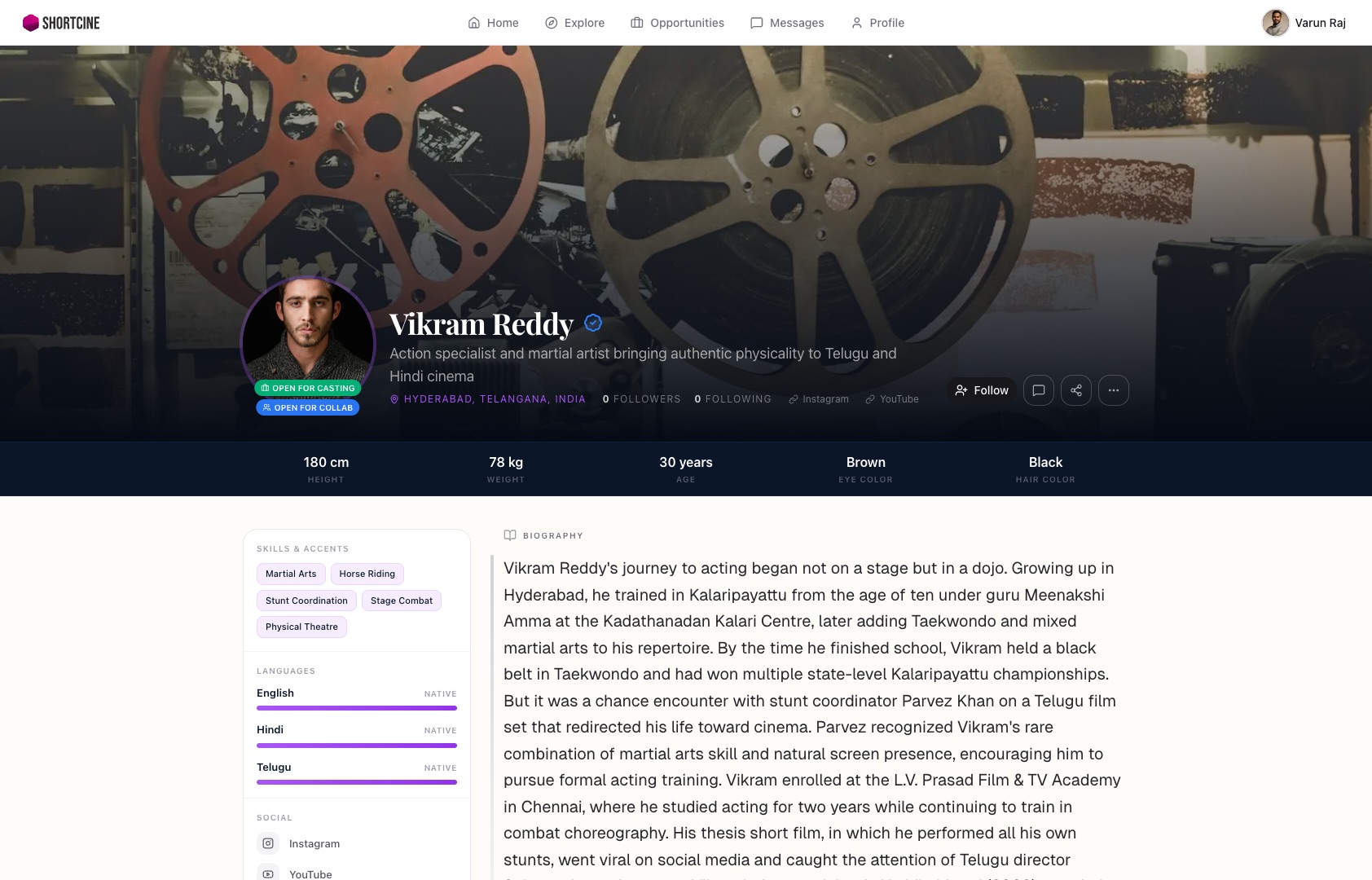
The "hack" for seamless auditions is to never send a file—send a player. When you host your reel or self-tape on your ShortCine profile, the system handles the technical heavy lifting.
It automatically optimizes the video for whatever device the casting director is using. If they are on a slow connection, it plays a smooth version. If they are on a high-speed screen, it shows the full quality. No downloads, no "black screens," and zero friction.
Why it counts
By using a ShortCine profile, you are "sneaking" a high-production experience onto the casting director's phone. They click your link and your performance starts playing instantly. No waiting, no frustration.
In a world where attention spans are measured in seconds, being the actor whose video "just works" is a massive competitive advantage. Stop sending files and start sending a professional viewing experience.
Your career deserves a better home than a WhatsApp group.
Stop sending PDFs and bulky video files. One professional link for your entire portfolio.