Guide
How Do You Update Your Headshots Across 50 Different Contacts in Under 60 Seconds?
Your look has changed, but your old photos are still circulating in WhatsApp groups. Here is how you take back control of your image.
Every actor knows the "Outdated Photo" problem. You’ve cut your hair, lost weight, or aged two years since your last professional shoot. But your old headshots are still in the "Gallery" of fifty different casting directors and coordinators.
When they search for you in their WhatsApp history, they see the "Old You." When you show up to the audition looking different, it’s jarring. It looks unprofessional.
The "Manual Update" Nightmare
How do you fix this? Do you message all fifty people and say "Hey, I have new photos, please delete the old ones"? No. They don't have time for that, and you’ll just look desperate.
The old system of sending files means you lose control of your image the moment you hit "Send."
The Solution: The "Live" Portfolio Link
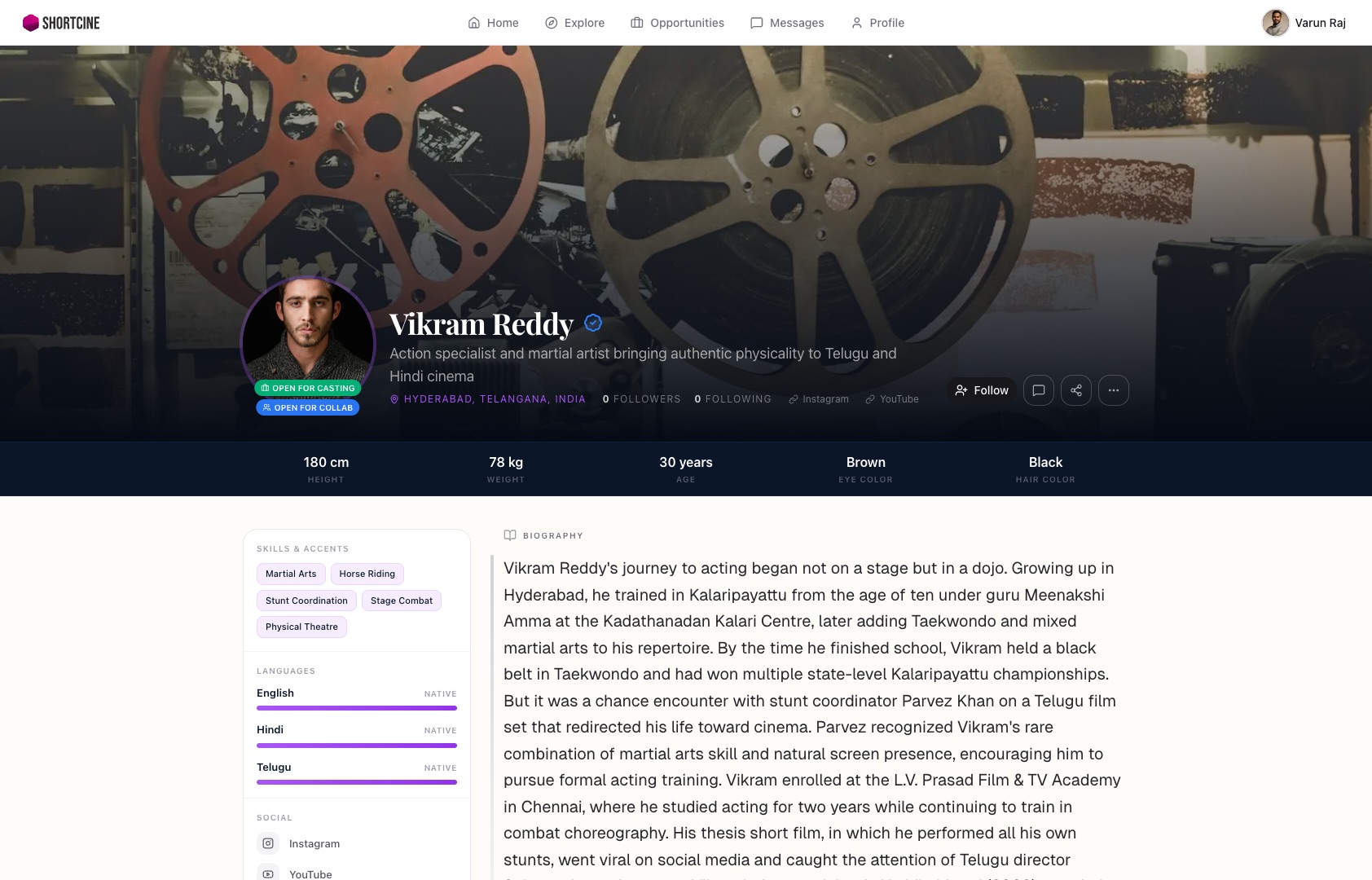
The "secret weapon" for managing your image is a live-update profile. When you use a ShortCine link as your primary portfolio, you never have to "re-send" files again.
You simply log into your ShortCine dashboard, upload your new headshots, and hit save. Instantly, every single person who has your link sees the new you. Whether you sent that link yesterday or six months ago, it always points to your most current work.
Take back your control
By creating a profile on ShortCine, you are "sneaking" a dynamic, living portfolio into the industry. You aren't just an entry in a contact list; you are a professional who manages their brand.
When your look changes, your entire network finds out instantly, without you having to say a word. Stop living in the past and start using a link that evolves with your career.
Your career deserves a better home than a WhatsApp group.
Stop sending PDFs and bulky video files. One professional link for your entire portfolio.